Frequently Asked Questions
-
How do I pick a color on a phone, Firefox or Safari?
Easy: on phones, tablets, Firefox and Safari our tool automatically switches to the image color picker. You don't need to install anything.
- Tap Upload an image (or drag, drop or paste a picture).
- Tap or click anywhere on the image. A magnifier helps you target the exact pixel.
- The HEX code is copied to your clipboard and saved to your recent colors. Switch to RGB, HSL, HSV or CMYK any time.
Your image never leaves your device. Everything happens locally in your browser, and nothing is uploaded to a server.
To use the screen color picker anywhere on your screen (not just an image), use Chrome, Edge or Opera on desktop.
-
Is our tool safe to use?
Yes, our tool is safe to use! To prevent malicious websites from getting pixel data from a user's screen without them realizing, the EyeDropper API implements the following measures:
- The API doesn't let the eyedropper mode start without user intent. The
EyeDropper.prototype.open()method can only be called in response to a user action (like a button click). - No pixel information can be retrieved without user intent again. The promise returned by
EyeDropper.prototype.open()only resolves to a color value in response to a user action (clicking on a pixel). So the eyedropper cannot be used in the background without the user noticing it. - To help users notice the eyedropper mode more easily, it is made obvious by browsers. The normal mouse cursor disappears after a short delay and a magnifying glass appears instead. There is also a delay between when the eyedropper mode starts and when the user can select a pixel to ensure the user has had time to see the magnifying glass.
- Users are also be able to cancel the eyedropper mode at any time (by pressing the Escape key).
- The API doesn't let the eyedropper mode start without user intent. The
-
Which browsers are supporting our tool?
Our screen color picker (powered by the EyeDropper API) works on:
-
Desktops, laptops
-
Chrome, Edge, Opera (latest versions)
On every other browser and device (Firefox, Safari, and phones or tablets) we automatically switch you to our image color picker. Just upload (or drag, drop or paste) an image and tap any spot to grab its color. The picture is processed entirely in your browser and is never uploaded to a server.
-
Firefox, Safari, Internet Explorer
-
Mobile devices, smartphones, tablets
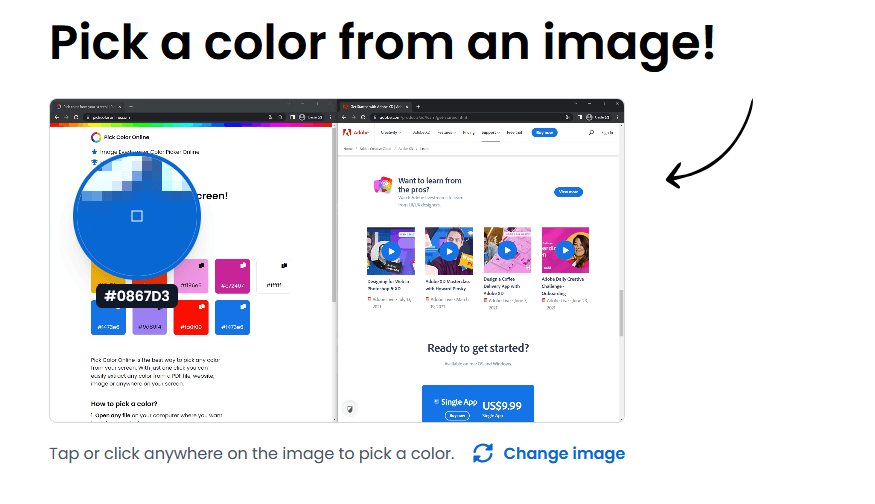
Want to use the screen color picker anywhere on your screen? Use Chrome, Edge or Opera on desktop.
Download Chrome Desktop -
Didn't find the answer? Write us:
