Our screen color picker (powered by the EyeDropper API) works on:
Desktops, laptops
Chrome, Edge, Opera (latest versions)
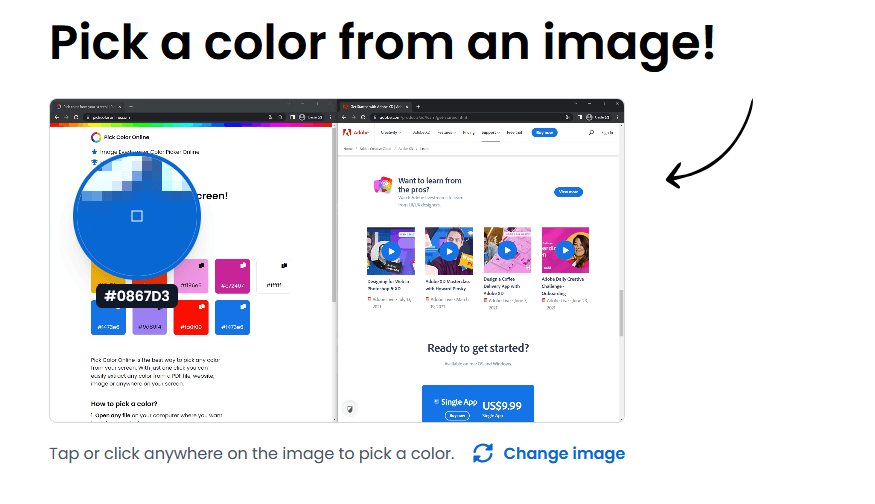
On every other browser and device (Firefox, Safari, and phones or tablets) we automatically switch you to our image color picker. Just upload (or drag, drop or paste) an image and tap any spot to grab its color. The picture is processed entirely in your browser and is never uploaded to a server.
Firefox, Safari, Internet Explorer
Mobile devices, smartphones, tablets
Want to use the screen color picker anywhere on your screen? Use Chrome, Edge or Opera on desktop.